




Instacart clone





Recognized by Clients, Verified by Reviews.
Backed by over 9+ years of product development expertise, WooberlyGrocery is the trusted choice for founders building grocery delivery apps like Instacart.




























What is anInstacart clone?
Instacart Clone is a readymade grocery delivery app solution that allows you to launch your grocery delivery app effortlessly. It comes with a mobile app for your users and delivery partner, as well as, a web panel for your store and admin (you).
Instacart clone script comes with pre-built features and functionalities; you can customize it if you want MORE.

Witness our Instacart clone, now
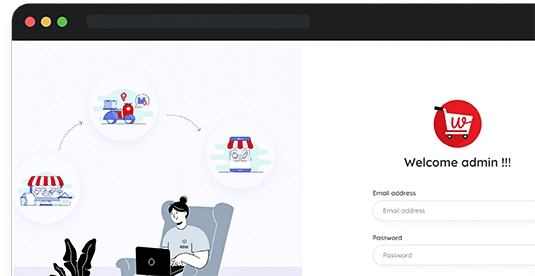
Admin panel
Get immersed in the admin panel
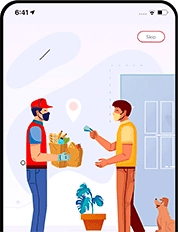
User app
Put yourself in the user app
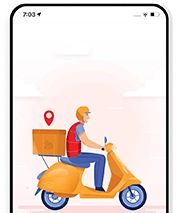
Delivery partner app
Explore the delivery partner app
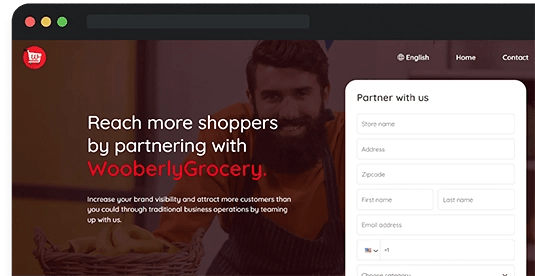
Store panel
Experience the store panel

Schedule a one-on-one demo with our Marketplace Expert
What can you expect in this call?
Walk you through the full flow for the customer app, the shopper app, and the admin panel in your Instacart clone.
Explore the must-have features that help Instacart clone platforms launch faster.
Show you how our Instacart clone can be customized for your store network and delivery zones.
Discuss custom integrations such as payment gateways, inventory tools, and third-party services.
Explain how the Instacart clone app stays compliant with App Store and Play Store guidelines.
All the top features, covered

Plan for every need

Startup Sale!
Buy 1 product at $1999 and Get 1 Free product*

- Single domain
- Free tech support for 3 months
- Free updates for 6 months
- Multi-domain
- Free tech support for 6 months
- Unlimited updates


Free app submission
Free server installation
Support after app rejection
Free white labeling
Chat with us

Why choose our Instacart clone?
Best UI & UX - Witness our Instacart clone & discover what makes our solution the best.
100% source code - Get the complete platform source code without the code encryption.
Lifetime updates - Based on the plan, we offer a lifetime platform update for the Instacart clone.
Bug-fixes support - Get 6 months of bug-fixes support for the higher package you purchase.
From Instacart clone to yours

Customize
We customize the Instacart clone to suit your needs.

Test
Then, your platform goes through rigorous testing.

Launch
Finally, get your app launched on the app stores.
Latest tools, effortless customization
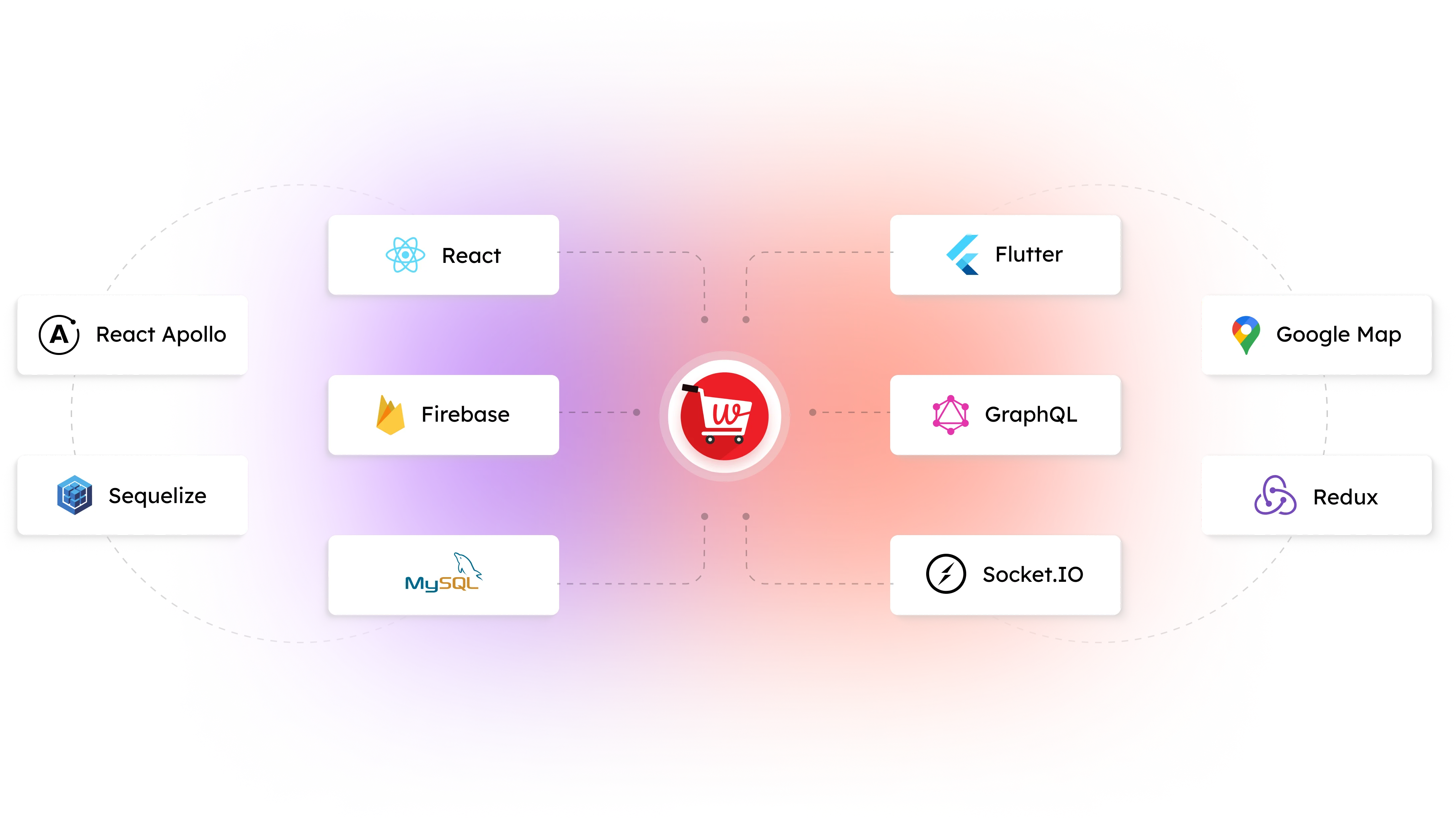
A guide to everything
Know the complete workflow, features, and technologies used in our Instacart clone.

People love us



Eugene
RadicalStart is extremely helpful, supportive, and sensitive to our need


Luiza
We found RadicalStart and they were very professional


Nangse
The products are very good, user friendly, and it's a very good strength
Everything about our solution!
Instacart clone is a ready-made grocery delivery app script that’ll help entrepreneurs launch their grocery delivery app quickly within their budget.
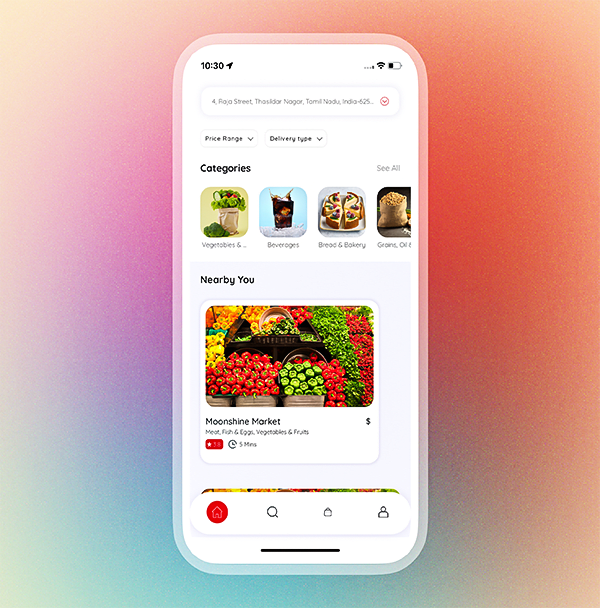
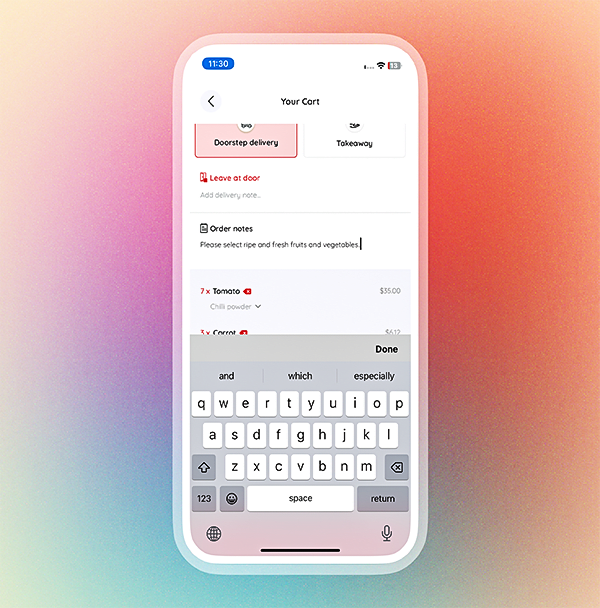
Users register, browse available items, and add them to their virtual cart. They then proceed to check out and make payments through the app.
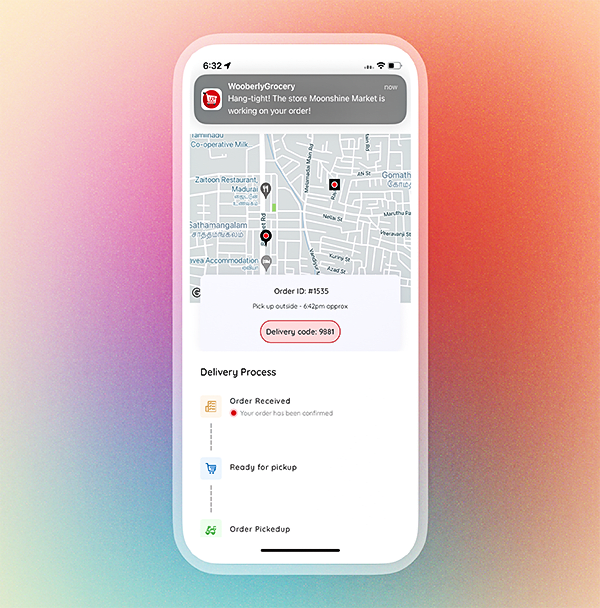
Upon receiving the order, a delivery partner is assigned to collect the items from the chosen grocery store and deliver them to the user's specified location. Meanwhile, the grocery store receives the order notification and prepares the items for pickup by the delivery partner.
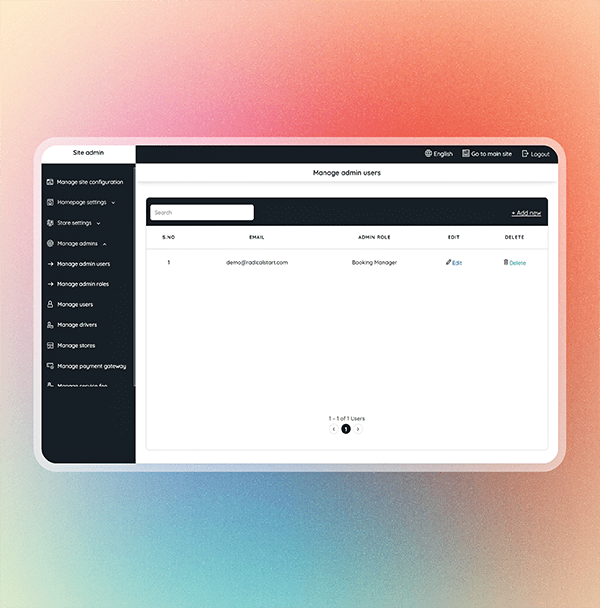
The admin manages the system through an admin panel, overseeing orders and users and resolving any issues that may arise.
The cost of the Instacart clone differs from the list of providers offering an Instacart clone. However, on average, it costs around $3,000 - $10,000.
Instacart clone is a base platform that is 100% customizable to your business needs.
However, we can't provide technical support once the source code files have been tampered with. (After the modification of the source code from your side).
The Instacart clone copy you receive will not be encrypted, so you can customize it according to your business needs.
Yes, we help with one-time free installation and submission of your mobile apps to the Google Play Store and Apple App Store.
This is only free support. Your payment is for the product source code files.
During app submission, if the Play Store or App Store asks for extra changes (like design or function changes), we can do it at additional cost.
Apple App Store is very strict. They want apps with a unique design and features. If not, they may reject the app (Policy #4 - Design Regulations).
See Apple rules here: https://developer.apple.com/app-store/review/guidelines/#design
To avoid problems, we suggest you customise your app. You can hire us for this, or use your own team.
In any case, we will give you the full source code of the website and apps. You have full control.
We will continue to add new features, improve existing features, and fix bugs if any.
Whenever we release a new version, we can share the updated source code files if you are eligible to get unlimited updates.
Although updates are free, there will be additional charges for website reinstallation, mobile app reinstallation, and resubmission.
If there aren’t any custom changes made, then we can simply replace the files from the new version.
But if there are any custom changes done by us, then we will need to compare the code and apply the changes using tools like Beyond Compare.
Updates are free. But we might charge you for the hours we spent applying the update.
Please get in touch with our team for more details.
If the custom changes are done by you/your team, we can only provide the updated source code files, as we can’t provide support on the tampered source code files.
Yes, if you opt for the higher package.
You can hire our team on demand and get in touch with us for more details.
It will start from the date of purchase.
- Help you with text changes
- Help you with color changes
- Help you with the static content translation (for a maximum of 3 languages and 2 iterations for each language)
- Clarify your questions
- Bug fixing (If it’s critical, we will give you a time frame to fix it. Otherwise, we will include the fixes in our updates)
- Issues in your local machine installation
- Reinstallation of the script
- Issues in Git due to not following the instructions
- Issues in the modified code, or if customization is done by you/your team
After the purchase, you can connect with our technical support team via email only. They will not be available for calls.
Our tech support team will answer all your queries through email based on the queue.
It would take around 24 to 48 hours for our support team to respond during business days, based on the queue.
After the purchase, we will install the script for one time on your hosting server without any additional cost. However, you may need to pay for additional installations.
We can proceed with Let's Encrypt SSL (Let's Encrypt is a free, automated renewal, and open certificate authority).
If you wish to install another SSL provider, there will be an additional charge per SSL installation.
- Web admin panel/landing page theme color and font changes
- Web admin panel/landing page favicon changes
- App package name/Bundle ID changes
- App name changes
- App icon changes
- App theme color changes
- Firebase Crashlytics and FCM integration
We highly recommend AWS & DigitalOcean. It will also work fine on any Ubuntu-based hosting servers.
Here is the minimum server requirement,
- Operating System - Ubuntu 24.04
- Storage - 50GB (Should be expandable)
- RAM - 4GB (Should be expandable)
- MySQL - Version 8.0
- SSH with root user access
Note: The server should be plain and should not have configurations like Apache, Databases, etc.
Static contents are rendered from the static language files on the web and mobile apps.
The dynamic contents are the inputs provided by the users/admin, which are stored in the database (For example, Vehicle category name, location name, etc).
Free tech support covers the static content translation for a maximum of 3 languages (2 iterations for each language).
A single-domain license can be used for only one business in a single domain. For example: mybusiness.com.
The multi-domain license can be used for any number of businesses on multiple domains. For example mybusiness1.com, mybusiness2.com, etc.
Released: Nov 17, 2025
- Introduced Dark Mode for a more comfortable and improved user experience
- Enhanced push notification navigation for easier access and usability
- Upgraded libraries to boost security and overall app performance
- Resolved minor bugs to ensure a smoother, more reliable experience
Released: May 22, 2025
- Migrated the latest libraries into the app to ensure optimal performance.
- Bug fixes and performance improvements.
Released: May 7, 2024
- Enabled web push notifications for the store panel to enhance alerting functionality.
- Introduced an in-app chat feature for users and delivery partners.
- Enhanced the live location feature in the delivery partner app.
- Introduced PayPal in payment and payout account options.
- Revamped Stripe's "add a payout bank account’’ approach to improve transaction security.
- Migrated the latest libraries into the app to ensure optimal performance.
- Bug fixes and performance improvements.
Released: August 28, 2023
- Bug fixes
Released: August 23, 2023
- Bug fixes.
Released: June 20, 2023
- Included Take away order option.
- Launched a 4-digit delivery code for a better delivery experience.
- Launched new order request notification with the alert tone on the Store panel.
- Revamped Stripe add payout bank account approach.
- Squashed some bugs and performance improvements.
Released: Mar 30, 2023
- Bug fixes.
Released: Mar 16, 2023
Driver App
- Bug fixes.
Released: Mar 14, 2023
- Included support details screen.
- Performance improvements and bug fixes.
- Manage available payment methods from the admin panel.
- Manage site configuration from the admin panel.
Released: Dec 01, 2022
- Performance improvements and bug fixes.
Released: Aug 29, 2022
- Bug fixes
Released: Aug 20, 2022
- RTL Language support(Arabic language included)
- Bug fixes
Released: Jul 13, 2022
- Bug fixes.
Released: Jul 1, 2022
- Delete account option included in both Android and iOS apps.
Released: Apr 11, 2022
- The user and the delivery partner can use the same phone number
- Manage mobile apps Stripe payment information & legal page content from the admin panel
- Migrated the latest version of the Google Map
- Manage web landing page favicon from the admin panel
- Migrated the apps for Android's latest versions support
- Bug fixes and performance improvements
Released: Sep 21, 2021
User App
- Register into the app using your phone number.
- Filter your search based on price and categories.
- Verify your phone number using Twilio SMS verification.
- Search for items by your favorite stores and categories.
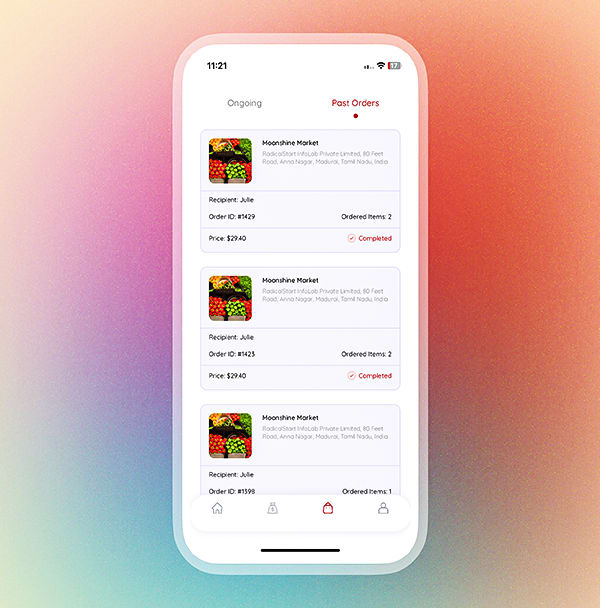
- View past and current order details.
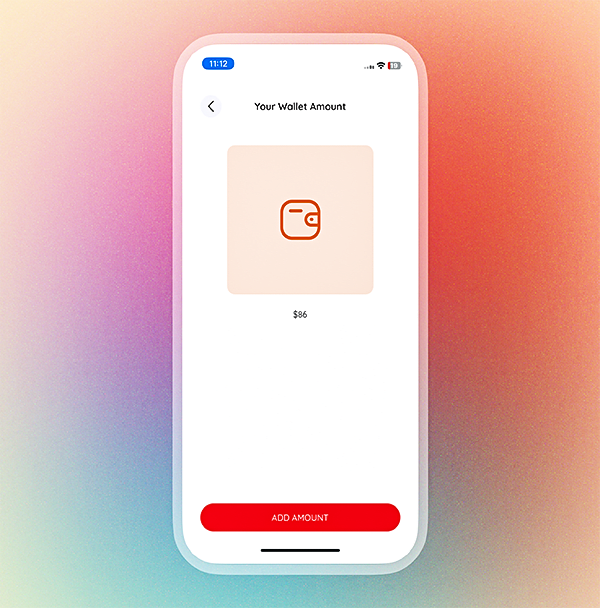
- Pay for the order using cash, wallet, or credit/debit card.
- Save work and home location for quick ordering.
- Apply promo code to order at a low price.
- Pick add-ons based on their availability set by the admin.
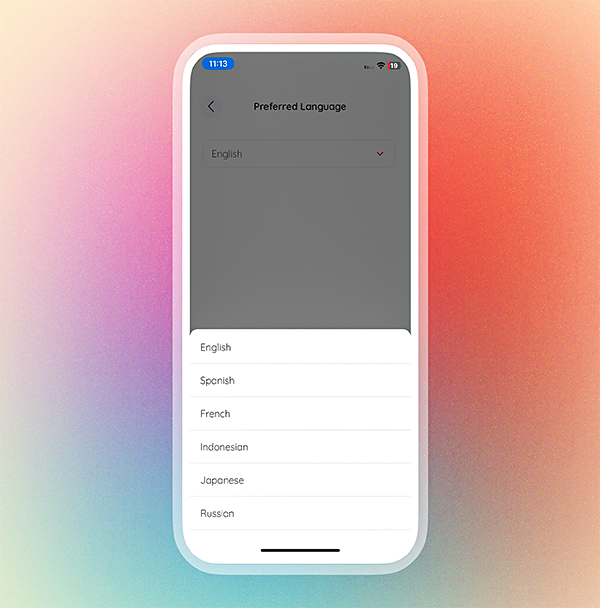
- Choose your preferred language out of English, Spanish, French, Indonesian, Japanese, and Russian.
- Track real-time on the status of your order on the app.
- Have a safe & contactless grocery delivery.
- Tip the delivery partner based on their service.
Driver App
- Easy registration process using the driver’s phone number.
- Verify the phone number using Twilio SMS verification.
- Upload legal documents for verification.
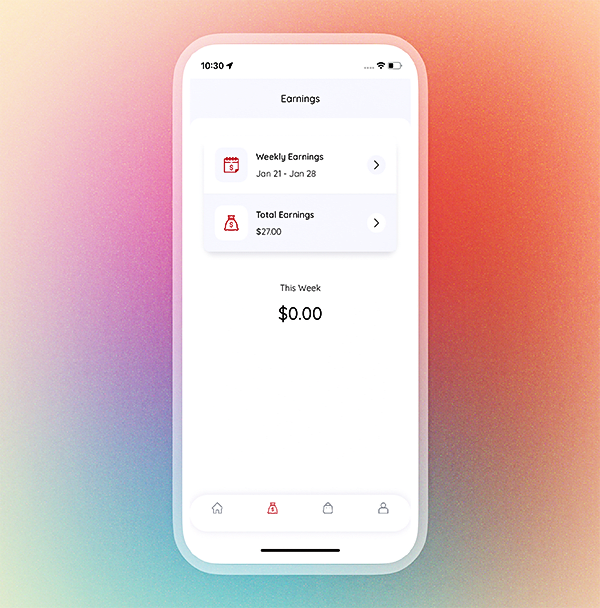
- Monitor the weekly and total earnings on the app.
- Access current and past order data.
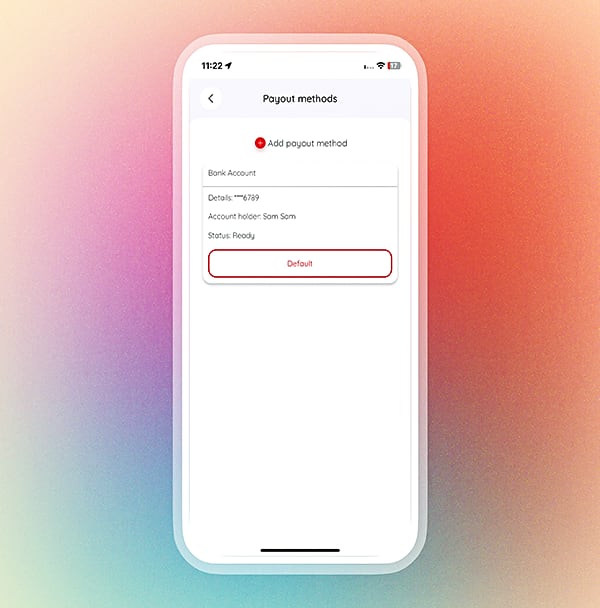
- Receive earnings to the chosen bank account.
- Pick the preferred language, out of English, Spanish, French, Indonesian, Japanese, and Russian.
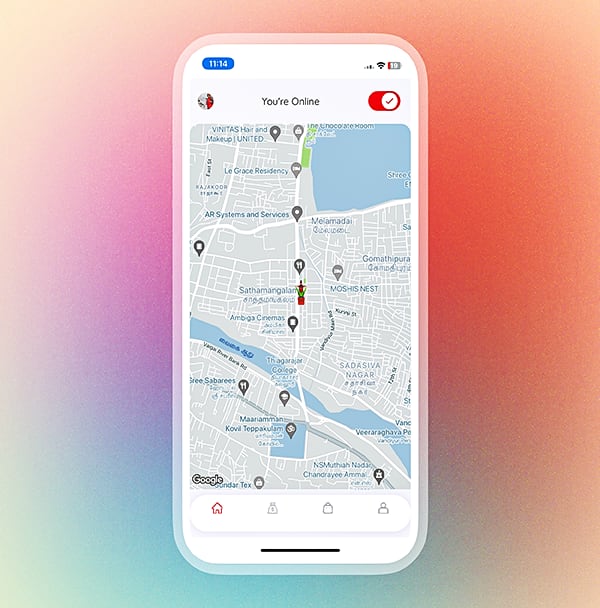
- Control availability using an online/offline toggle.
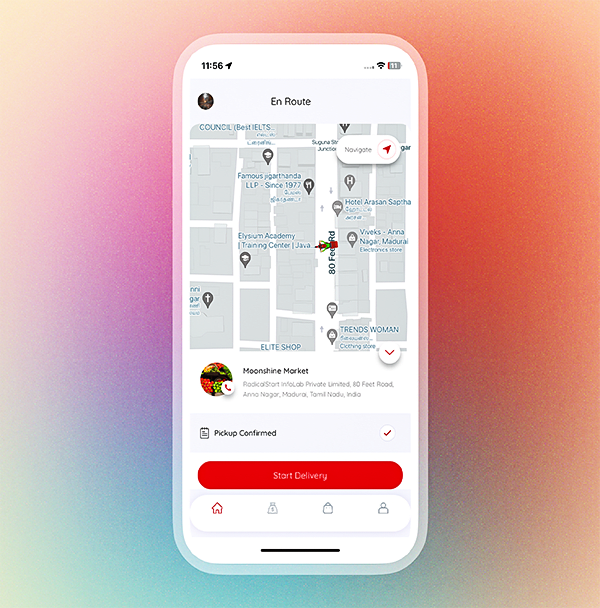
- Easy navigation to the customer’s location using Google Maps.
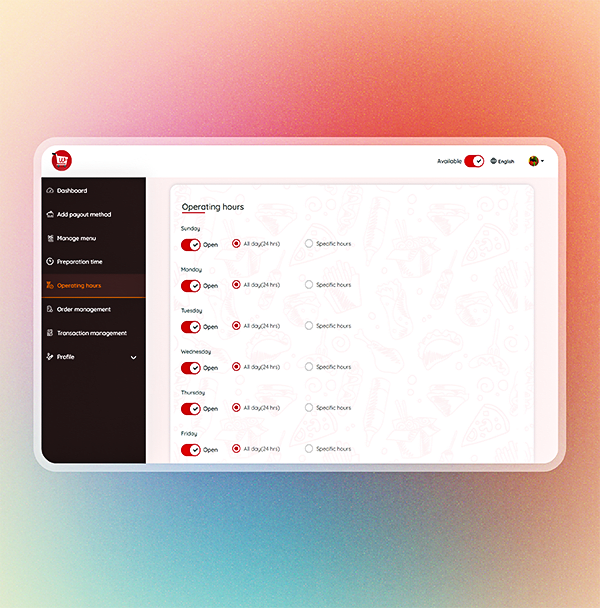
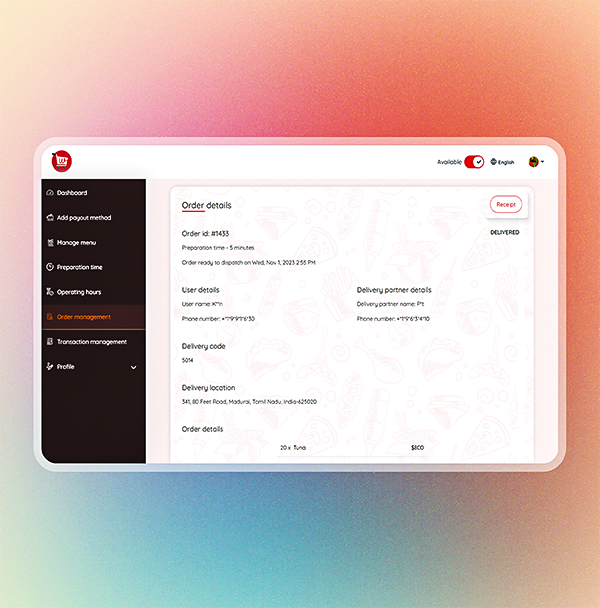
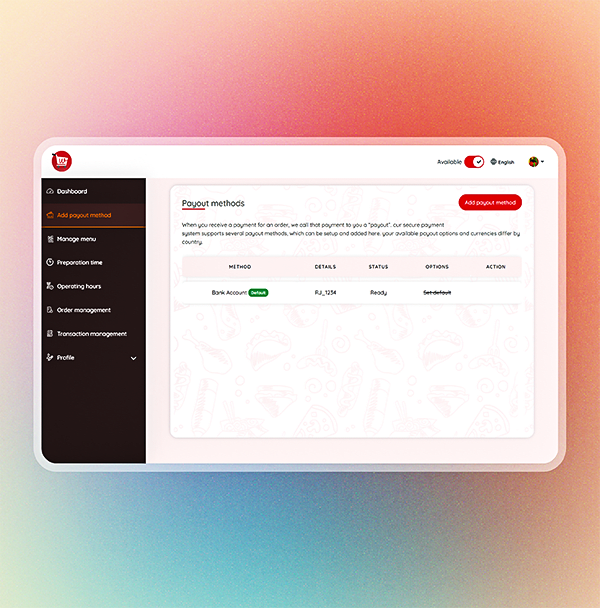
Store Panel
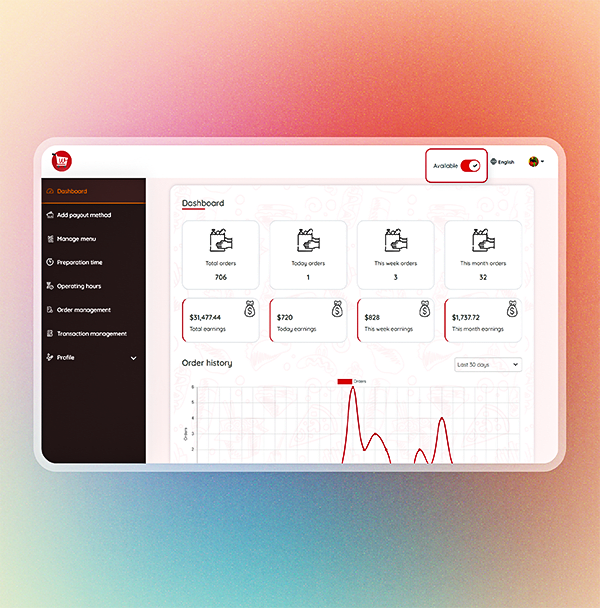
- User-friendly dashboard
- Store availability status
- Detailed order history
- Payout management
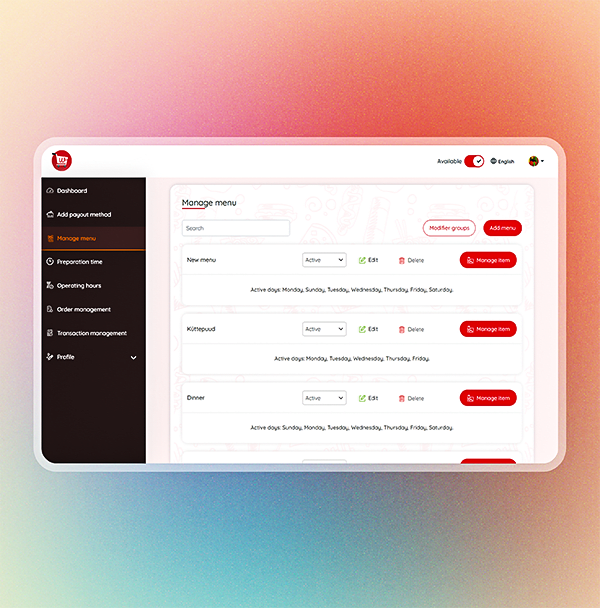
- Manage menu and items
- Order management
- Preparation time
- Operating hours
- Profile management
- Earnings management
- Transaction management
- Multi-language
- Modifier groups
- Print receipt
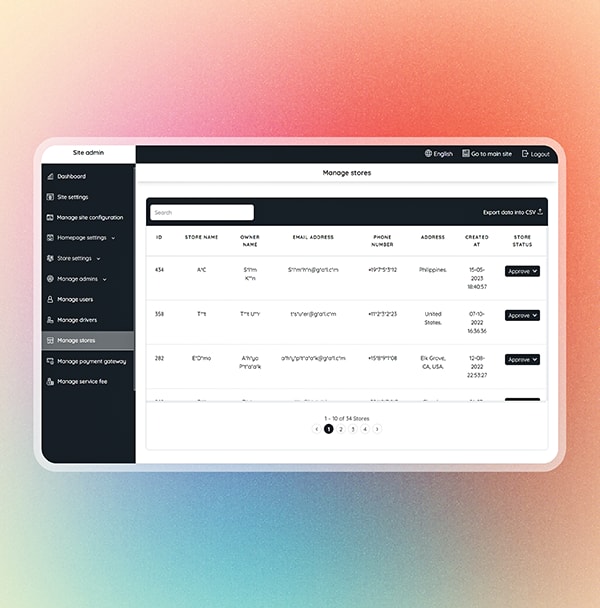
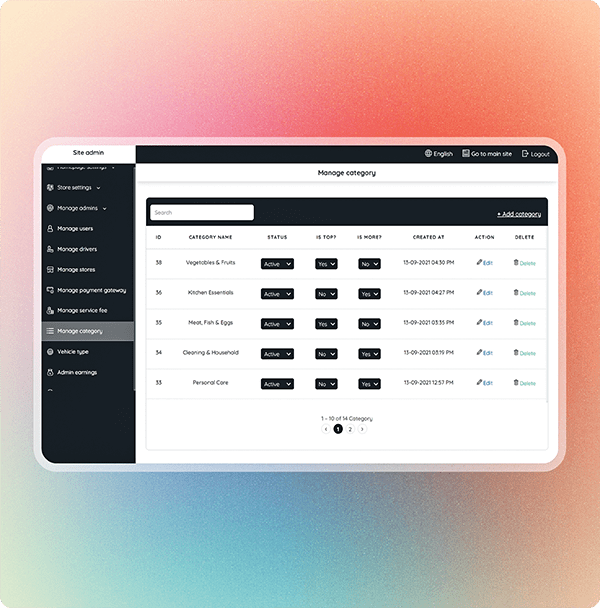
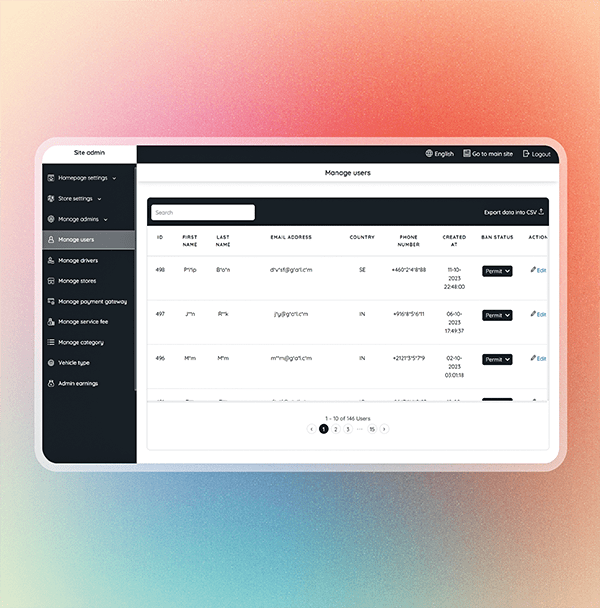
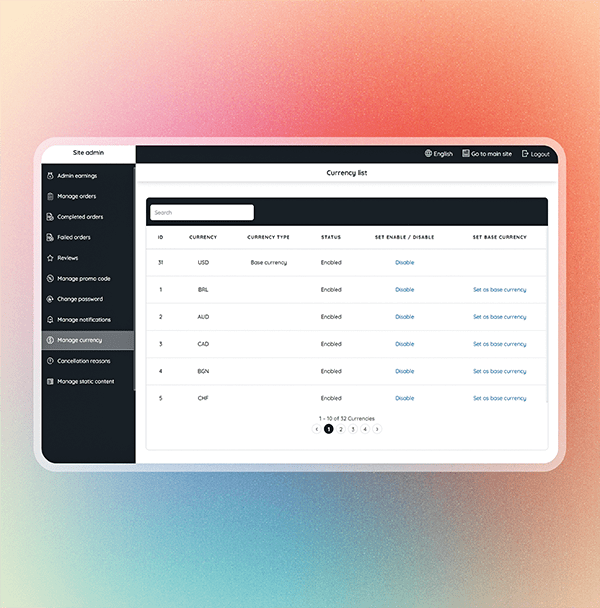
Admin Panel
- Simple and effective dashboard
- Site settings
- Manage preferred distance unit and currency
- Manage homepage settings
- Manage store landing page settings
- User management
- Driver management
- Store management
- Service fee management
- Category management
- Driver vehicle type management
- Earnings management
- Promo code management
- Bookings management
- View and manage ratings
- Manage currencies on the platform
- Manage notifications
- Driver document verification
- Store document verification
- Static page content management
- Auto payout for drivers and stores
- Auto refund for users

